Court Records
Bring in a case by its CNR number and see when the record changes
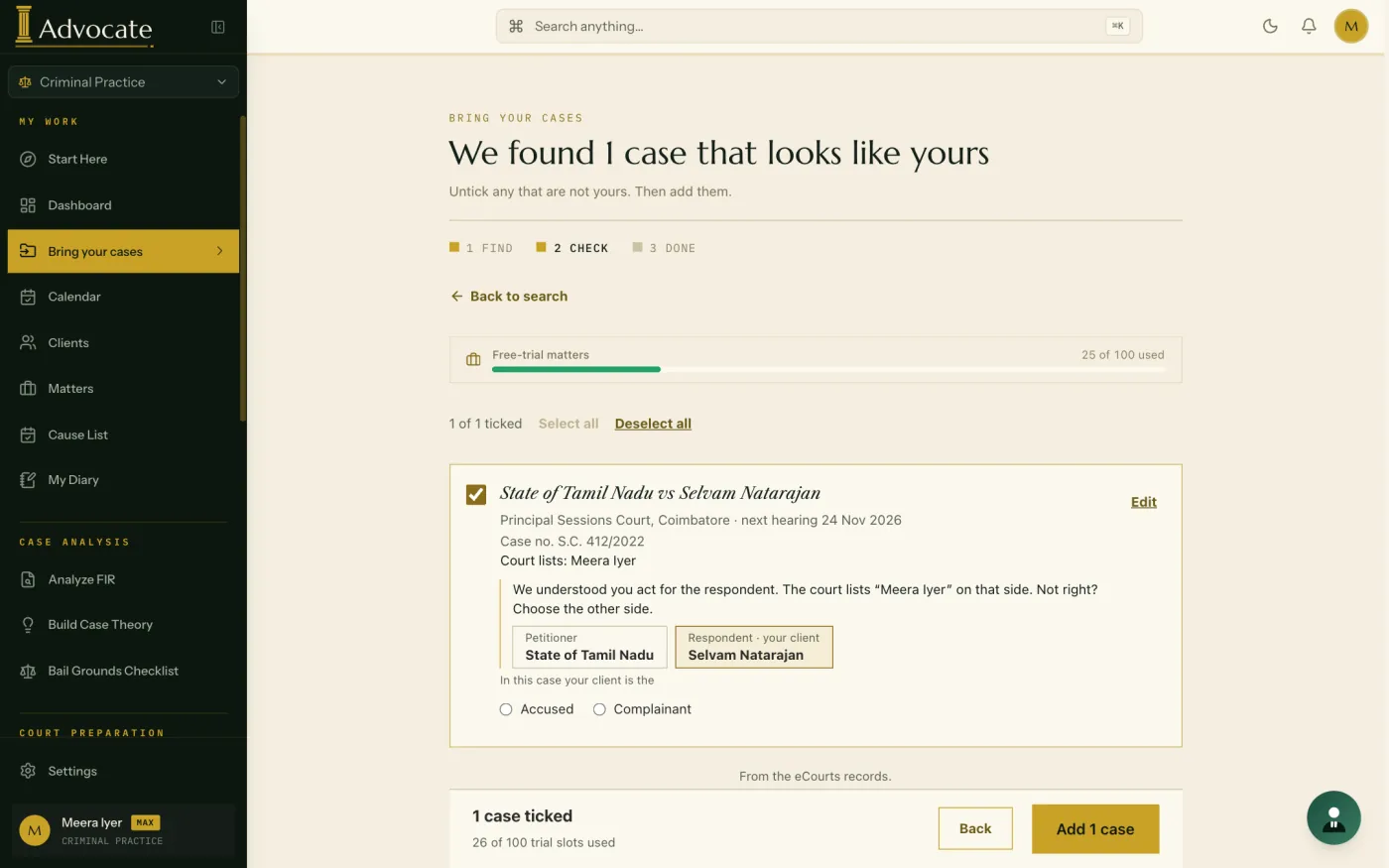
iAdvocate lets an advocate bring a case into the workspace using its CNR number and shows when the court record changes, such as a new hearing date. Details from the court record are offered for you to accept; nothing is written in silently.
What you can do
Your cases and their dates stay in one place.
- Enter a CNR number to fill in a new matter from the court record
- Bring in your existing cases together when you first set up
- See court-record changes on your dashboard, with cases listed for tomorrow shown first
- See your upcoming hearings and deadlines across every matter, soonest first
- Plan the week on a calendar that marks a day when your matter is listed at a court that is closed
How an advocate uses it
You take on a case that is already running. You enter its CNR number, check the details offered from the court record, and accept the ones that are right. When the record later shows a new date, you see it on your dashboard and decide whether to update the matter.
Where the court data comes from
Court records come from eCourts India. iAdvocate is not a court service, and a record can lag behind the court. Check the court’s own record before you act on a date.
What it does not do
It does not give legal advice, predict what a court will do, or replace your reading of the record. You verify every fact, section and authority before you rely on it.
Questions
Can I track my court cases by CNR number?
Yes. Enter the CNR number and iAdvocate fills in the matter from the court record, for you to check and accept.
Does iAdvocate replace checking the cause list?
No. It helps you keep track. The court’s own record is the authority.
Do I have to type in every case?
No. You can bring cases in by CNR number.